
Every capabilities page says the same things. CNC machining. Welding. Assembly. ISO 9001. On time delivery.
Every shop down the road says them too. A buyer comparing three of you learns nothing from the list, except that you all have one.
A capabilities video answers what the list cannot. Can you make my part, to my spec, when I need it?
Why it matters now
In a Gartner survey of 646 B2B buyers, run in late 2025 and published in March 2026, 67 percent said they would rather buy without a sales rep at all.
So the first look at your shop usually happens without you in the room. Your website makes the first sales call, and a list of machines makes a weak one.
Who is watching
Three people decide whether you make the short list, and each one wants something different.
The engineer wants to know you can hold the tolerance and make the geometry.
The buyer wants capacity, lead time and a supplier who will not cause trouble six months from now.
The plant manager or the quality lead wants to see process control, not promises.
One main film can speak to all three. Short cuts made from the same shoot day can speak to each one directly.
What to film
Real parts, in real hands. A part in a hand shows scale in a way a spec sheet never will. Use your own parts, or customer parts you have permission to show.
Machines running, with work in them. A machine sitting still looks like a photo from the dealer. A spindle cutting, a robot welding or a press cycling looks like a shop with work.
How you check it. The inspection that proves the part is right is the most convincing shot in the film. More on showing your quality control process.
Range. The smallest part and the largest, the simplest job and the hardest. Range is what a list cannot show.
Capacity, said out loud. Shifts, cells, square footage, the biggest run you have shipped. Let your plant manager say it on camera.
The people. The programmer, the machinist, the quality tech. Ask each of them why their part of the job matters. A buyer is hiring them, not the building.
One part, start to finish. Pick a part a buyer would recognize and follow it from raw material to the shipping dock. It answers half the questions on your capabilities list in a couple of minutes.
What to leave out
Your recipe. Show the result, not how you get there. Here is how to film your plant without giving away your process.
The parking lot. A drone shot of your building tells a buyer where you are, not what you can do. One shot is plenty.
Sparks set to music. A minute of slow motion sparks with no words looks like every other shop's video.
Every machine on the floor, read aloud. That is the list again, with a voiceover.
How long, and where it goes
Keep the main film to two or three minutes. Put it at the top of your capabilities page and on your RFQ page, where a buyer decides whether to send you the drawing.
Cut short pieces from the same shoot day, one for each process. Each one can sit on its own page, go out with a quote, and run on LinkedIn.
Send the main film after sales calls, so the people who were not on the call see the shop too. Here is what to send after a sales call so it gets forwarded.
What it looks like when it works
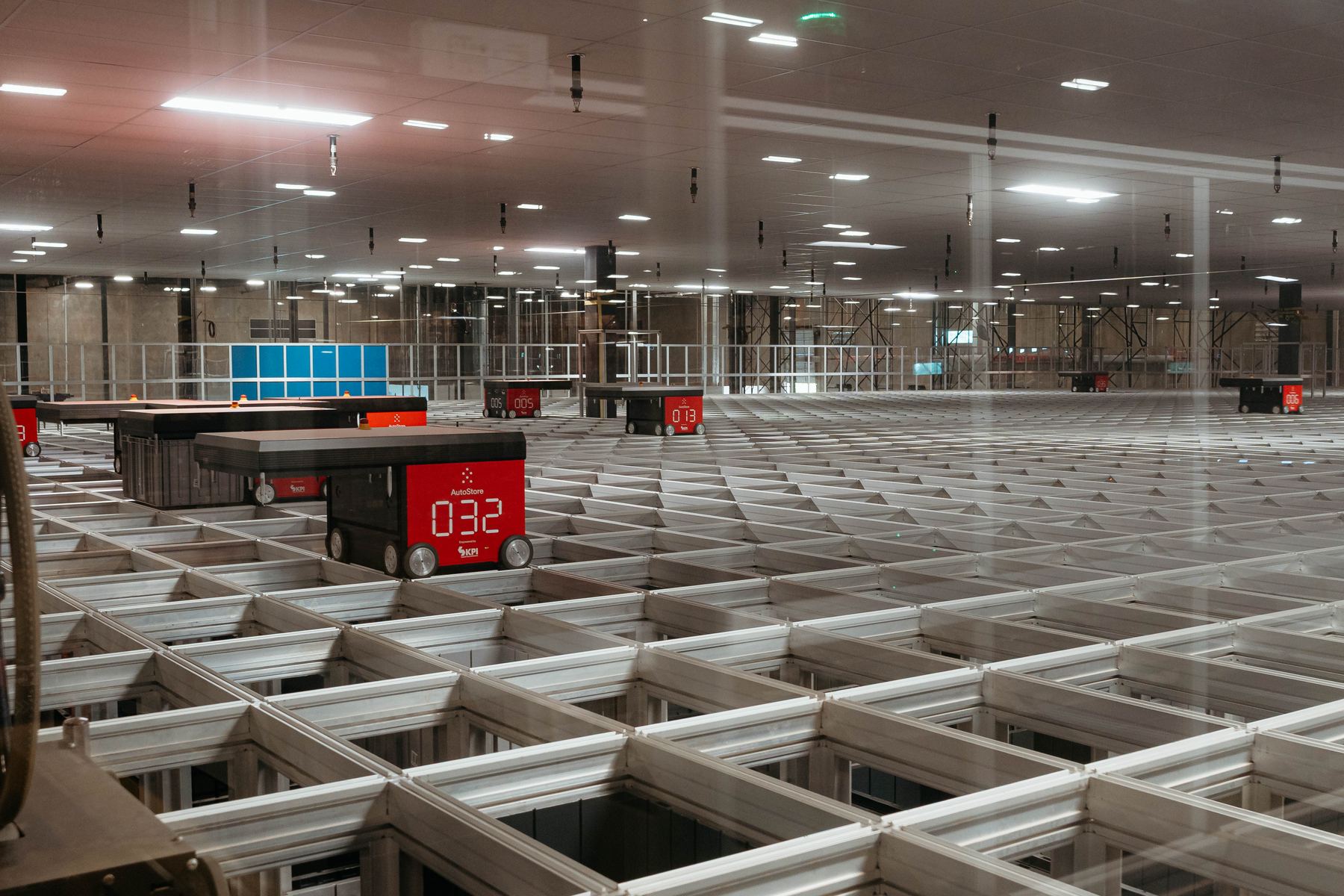
For KPI Solutions, a warehouse automation integrator, the film had to explain a warehouse automation result to people who had never run a warehouse. It played at a national trade show and got a standing ovation.
A capabilities film works the same way. Show the work, let the people who do it explain it, and the buyer fills in the rest.
The short version
Your capabilities list looks like everyone else's. A video shows what the list cannot.
Film real parts, machines running, inspection, range and capacity.
Put the people who do the work on camera, and ask them why.
Leave out the recipe, the parking lot and the sparks.
Two or three minutes for the main film, short cuts for each process.